EMDR in VR with FullSweep®
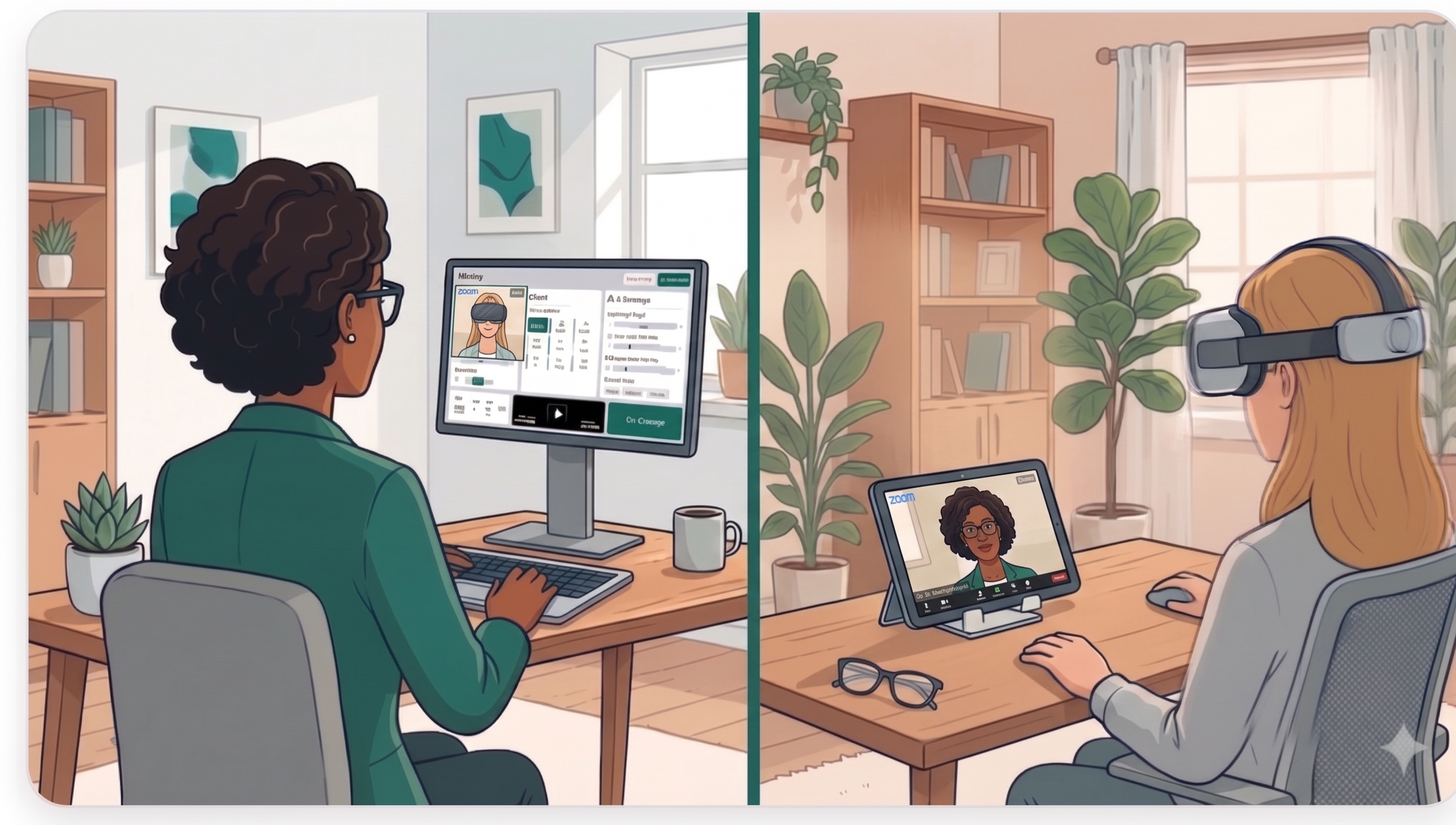
When your client only has a small screen, eye movements can be too narrow to be effective. EMDR Pro FullSweep® puts the BLS across a wide virtual field using a smartphone VR headset.
Why use VR for EMDR?
Effective visual bilateral stimulation relies on a wide sweep of the eyes from side to side. A phone held at arm's length or a laptop on a table often does not give enough width. Placing the phone in a VR headset fills the client's field of view, so the dot travels a longer path and nothing in the room distracts them.
What you need
- An Android or iOS smartphone (FullSweep® works on both).
- A smartphone VR headset. A basic one costs roughly €15.
- Earphones if you are using audio BLS.
Setting up
- The client opens the session link on their Android or iOS phone and enters fullscreen.
- They use the lens calibration step so the image sits comfortably for their eyes.
- They place the phone in the headset and put it on.
- You control the session from your own device exactly as you would in a normal remote session.
Safety: clients can stop at any time with the I need to stop button. Some people feel dizzy in VR, and anyone with photosensitive epilepsy should seek medical advice before using visual BLS. Start with short sets.
Remote or in person
FullSweep® works in remote sessions alongside a video call (see remote EMDR on Zoom) and in the room with you (see in-person EMDR with your phone as a remote). The VR option is included in the standard plan, with no extra charge; see pricing.
Frequently asked questions
Does EMDR VR work on iPhone?
Yes. FullSweep® works on both Android and iOS smartphones.
What headset do I need?
Any basic smartphone VR headset that fits your client's phone. Prices start at around €15.
Can I run VR sessions remotely?
Yes. The client wears the headset at home while you control the session from your device and talk to them over video or phone.
Can the client stop the session?
Yes. They have an I need to stop button at all times.